 NIVARO
Your playlists on TV and tablet
Nivaro Smart IPTV Player
Add your own playlist and browse its live channels, movies and series in one place.
How to get started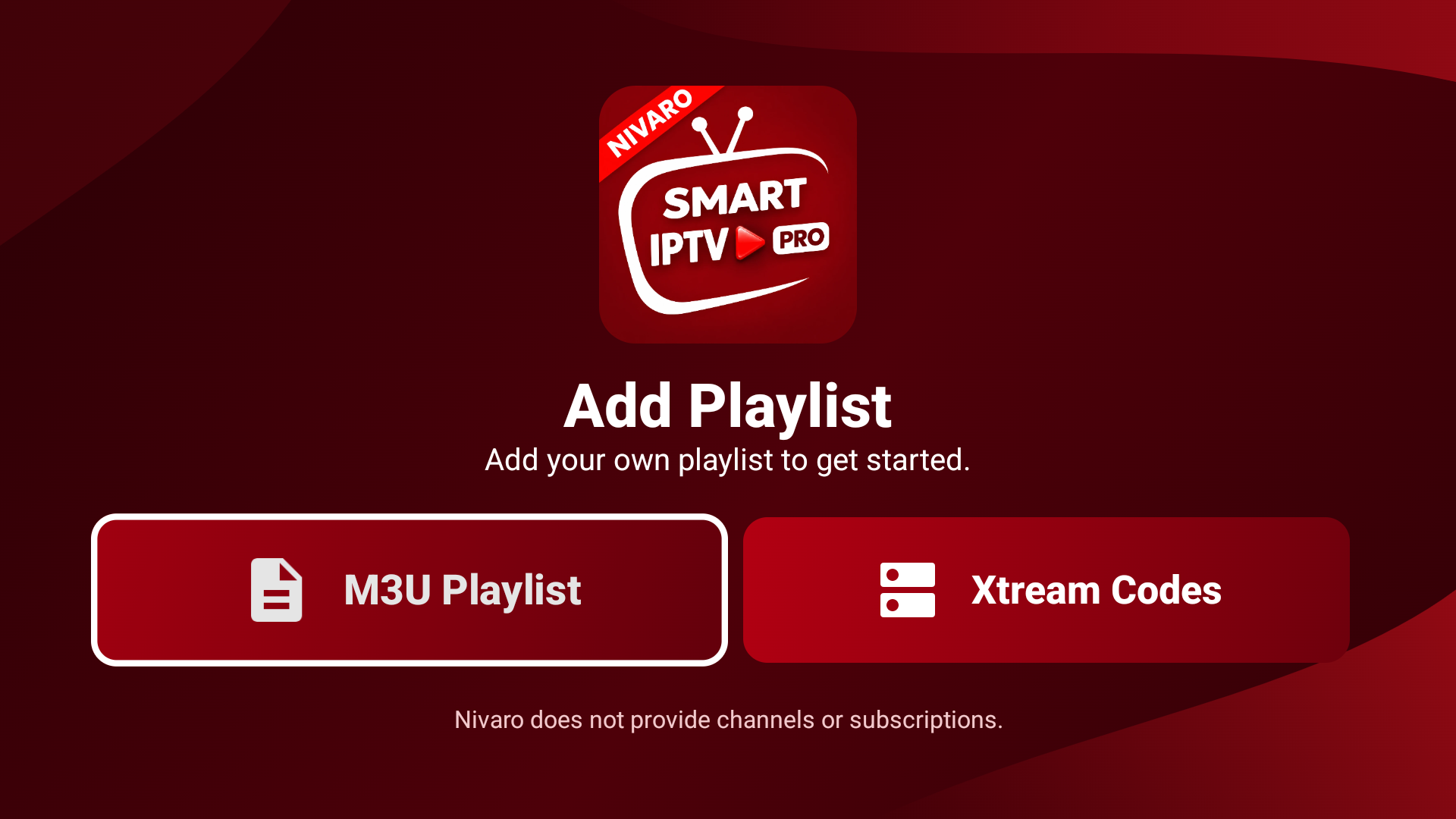
Get started
1. Add a source
Open Add Playlist and choose M3U Playlist or Xtream Codes.
2. Connect your playlist
Enter an M3U URL or the server details from your provider.
3. Open your library
Browse the categories available from your source using your remote or tablet.
Need help with Nivaro?
Contact fallondeSmarters@outlook.com. Include your device model and a short description of the issue. Keep playlist credentials private.
Nivaro does not provide channels or subscriptions.